
Key Highlights
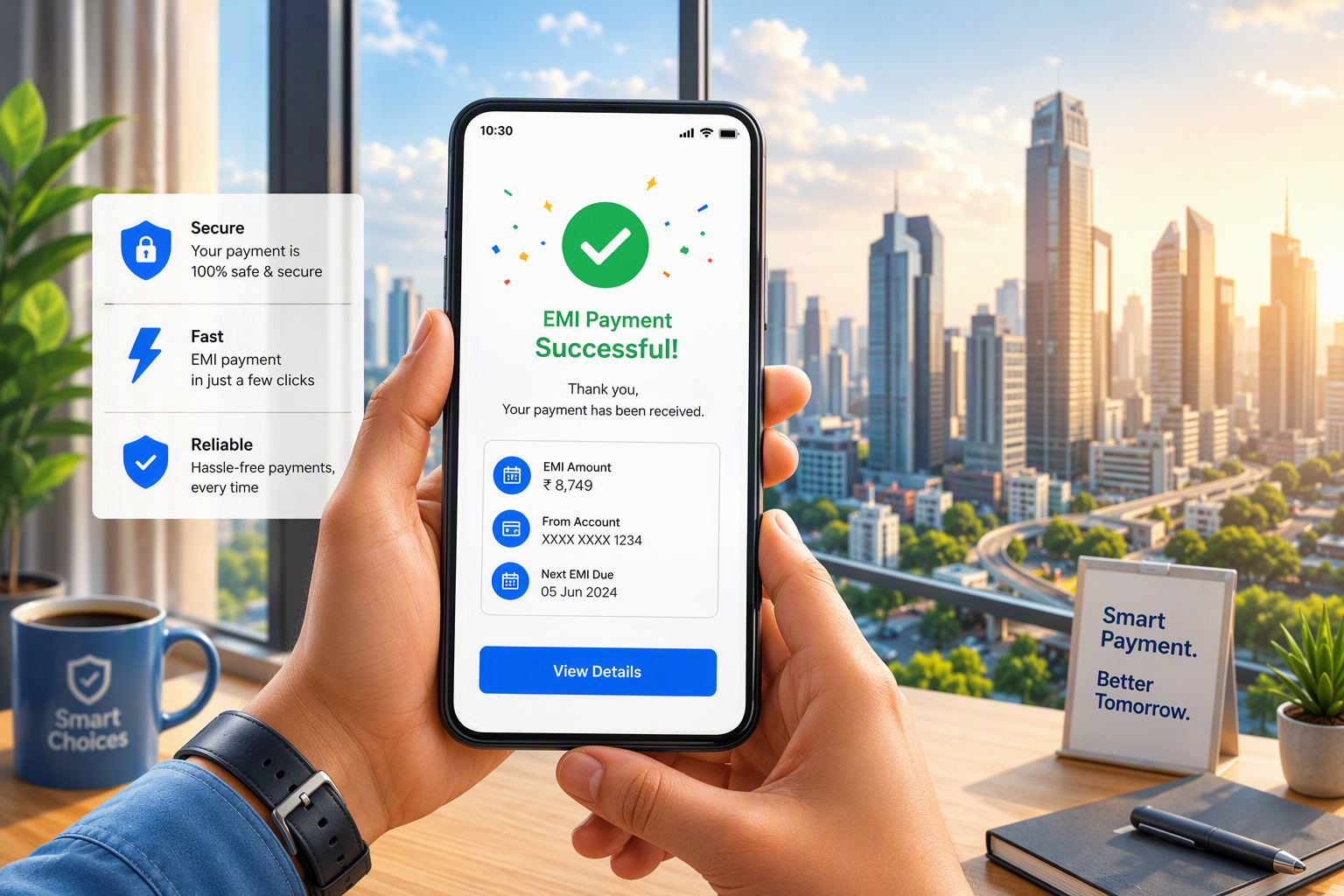
- You can do your home credit emi payment online. Use the Home Credit website or its mobile app for this.
- You can pay with net banking, UPI, your debit card, and top apps like Paytm, PhonePe, or GooglePay.
- You can see your due date and repayment schedule in the app under My Loans.
- When you set up auto debit, your money is taken from your bank account on time. This helps you not miss any payment.
- If you do not pay on time, there can be late fees. This might also hurt your credit score.
- If you have a problem with payment, you can contact customer care. You can also email or use the chat option for help.
Introduction
Paying your Home Credit EMI is easy. If you have a personal loan, Ujjwal EMI, Ujjwal EMI Card, or another open account, you can use different ways to make your EMI payment. You can pay on the Home Credit website, with the mobile app, by net banking, through UPI, or popular payment apps. It is good to know the due date, pick the payment method you like, and keep your loan repayment up to date. This will help you feel less stress.
Understanding Home Credit EMI Payments in India
In Home Credit India, your EMI is the fixed amount you pay every month for your personal loan or for any other loan account you have. Each monthly payment follows a set repayment schedule that is part of your contract.
You can use the Home Credit website or app to take care of your loan repayment. Go to the Pay EMI section. There, you can see all the details you need. You will see what is due, payment status, and your loan account information. When you know these things, it gets easier to pick the best way to pay, so it fits into your routine.
What Is an EMI and How Does It Work for Home Credit Loans
An EMI is the amount you need to pay every month. It stands for Equated Monthly Installment. This is the monthly payment you make to Home Credit for your personal loan or any other loan you have taken that fits the rules. You must pay this amount in each calendar month as a part of your loan repayment.
Your emi payment follows a repayment schedule made during the loan application process. This repayment schedule shows things like due date, due amount, payment status, payment date, and paid amount. You can get a copy of your repayment schedule from the mobile app, under Loan Management.
If you want to pay your Home Credit loan EMI online, it is simple. Go to the Home Credit website or use their app. Choose the Pay EMI option. You can make the payment with net banking, debit card, or UPI. This way, you keep your repayment schedule on track.
Home Credit EMI Due Dates and Schedules
Your due date is the day every calendar month when you need to pay the EMI for your home credit loan. You can see this date in your loan summary. It’s also possible to check the full loan repayment schedule in the app. You might get phone calls or SMS alerts letting you know about your next due amount.
Here is a simple text table that shows the key details and where you can find them:
| Detail | Where to check |
|---|---|
| Due date | Loan summary and Home Credit mobile app under My Loans |
| Loan amount | Loan documents and active loan details |
| Contract number | Loan summary, application form, or mobile app |
| Loan account number | Linked loan account records shown with your contract details |
| Loan repayment schedule | Mobile app under Loan Management |
One important thing to ask is if you can change your EMI payment date with Home Credit. The answer is no. The due date is picked by the system during the loan application process. You cannot change it after that.
Importance of Timely EMI Payments
Paying on time matters more than you may think. A timely emi payment helps your loan repayment go smooth. You can also avoid extra charges if you pay on time. It helps you build a good credit score and a better credit history as time goes by. A good credit score can help you a lot later, so make sure to keep up with your payments.
If you do not pay by the due date, the amount you owe will be late. You may then have to pay late fees on that amount. If you keep missing payments, it can also change the way your loan account is handled. This is why it is good to check your due date often.
A few reasons to stay on schedule:
- You lower the chance of having to pay late fees on unpaid dues.
- You keep your credit score and your credit history safe for a long time.
- You make it easier to handle your monthly payments later on.
If you miss a payment, act fast. Pay it as soon as you can. If you need help, reach out to customer service.
Online Payment Methods for Home Credit EMI
Home Credit India gives you many ways to make online payments. This makes emi payment simple for most people. You can use the Home Credit website or the app. Just choose Pay EMI to begin the process.
The main payment method choices are debit card, net banking, and UPI. You can also pay using big apps like Paytm, PhonePe, and GooglePay. People like to use different ways to pay, so the next parts show how each payment method works. You will also see what you need to have ready before you pay.
Paying Your Home Credit EMI Through Net Banking
Net banking is a good and simple way to make your emi payment online. You can go to the Home Credit website or use the mobile app. Pick Pay EMI, and choose net banking for the payment process. The money will come out straight from your bank account.
This option is good if you already do your online banking with major banks. It lets you make bank transfers right away. You do not need to move between several apps. But, you should check the account you use and make sure it has enough money before you begin.
Keep these points in mind:
- Check your payment details before you say yes to the transfer.
- Keep the transaction reference as your proof of payment.
If you want to pay your Home Credit loan EMI using net banking, it is a good and safe way to do it. This way gives you a simple and convenient option. Many people feel that net banking is easy and secure when you need to pay for your Home Credit loan.
Using UPI Apps for Instant EMI Payment
UPI helps you make instant payments from your linked bank account. To do this on the Home Credit website or app, go to Pay EMI and pick UPI. Enter the needed payment details, then agree to the request in your UPI app.
For many people who borrow money, this is one of the fastest ways to make an emi payment. It is direct and easy to use. You can do it with your mobile phone. This way, you do not need to use full net banking. It is also good when you want to set up an auto debit. Use this if you need an auto debit mandate for your emi payment.
Before you confirm, remember to:
- Look at the payment details for the contract with care.
- Keep the record of what went well with the transaction. You might need it later.
If you want to pay your Home Credit EMI fast and in a simple way, UPI is a good online option. You can use it for quick and easy payments.
Paying Through Mobile Wallets Like Paytm or PhonePe
Yes, you can pay your Home Credit EMI through Paytm. Home Credit lets you use some other top apps as well, like PhonePe and GooglePay. This way, you have more choice for your payment method, so you can use your mobile wallet or a payment app if that works better for you than the website.
The process is simple. You pick the EMI payment option and finish the payment with the app you like. This is good if you use Paytm or PhonePe for your regular bills and monthly payments. It lets you keep all payments in one place on your mobile phone.
To avoid issues, do the following:
- Enter the right payment details and contract info.
- Save the receipt or the transaction number. You will need this as proof of payment.
If you want to pay fast with an app, mobile wallets can be a good choice. They are easy to use and not hard to set up. You can use them any time you need to pay for something. A lot of people now use mobile wallets for this reason.
Setting Up Auto Debit for Your Home Credit EMI
Auto debit is a way to pay your EMI from your bank account on the due date. When your auto debit mandate is active, the money will go to your loan account by itself every month. You do not have to do anything for this payment.
You can do this on the Home Credit website. Just go to Loan Management and pick Register for Auto Debit. A lot of people want to make sure they do not miss payments. So, the next parts will show you how to set things up, what the main benefits are, and how you can change or update your mandate later.
Steps to Enable Auto Debit Facility
Setting up auto debit for your emi payment is easy. Go to the home credit website, and find the Loan Management section. Click on Register for Auto Debit. Enter your phone number that you have already set up with them. Check the number with the code that is sent to you. After that, finish any steps about your PAN Card Number or Date of Birth if they ask.
After you log in, you will see all your loan contracts. You can also see the status of each mandate. Find the loan account you want the facility for and click on it. Then, pick how you want to link your bank account. You can use Net Banking, a Debit Card, or UPI for this.
Follow these simple steps:
- Take your time to read your loan contract well before you go ahead.
- Fill in the needed bank details the way they are asked in the form.
- Check and confirm the mandate on the screen, then send it in.
Once you finish, the new mandate will be linked to your account. Setup often takes about 2 to 3 business days. You will get a confirmation from us after it is done.
Benefits of Auto Debit for EMI Payments
Auto debit takes away the need for you to keep track of every due date yourself. Once you set it up, Home Credit will take your emi payment from your linked bank account on its own. This way, managing your routine payments is much easier, especially when you have several monthly bills to pay.
It also helps you make your payments on time. This way, you can stay away from late charges and keep your repayment schedule on track. Since it is important to pay on time, using auto debit can help you keep a good credit score. It can protect your credit score if you use it the right way.
Why many borrowers prefer it:
- It helps you do less work every month.
- It makes it less likely for you to forget your payment due date.
- It helps you pay on time if you have a sufficient balance.
The most important thing is to keep enough money in your bank account. The auto debit will be taken out two days before the due date.
Managing and Modifying Auto Debit Settings
Sometimes your bank details can change. You may want a new payment method for auto debit. Home Credit lets you change an old mandate on its website. You need to log in with Register for Auto Debit. Then, pick your active contract. You can update your connected bank account using net banking, debit card, or UPI authentication.
Keywords: home credit, auto debit, bank account, net banking, payment method
If you want to stop a mandate, you can use the Cancel Registration option on the website. But if you have an active loan, Home Credit says you should not stop auto debit before you set up something new. If you miss an emi payment, there can be problems.
Here are the key points:
- You can change the existing mandates online.
- It takes about 1 to 2 business days to cancel.
- You may need to set up a new mandate for any active loans before you cancel the old one.
You cannot change your EMI payment date with Home Credit. The due date is set by their system and it cannot be changed.
Making EMI Payments Using the Home Credit Mobile App
Yes, you can use the Home Credit app to pay your EMIs. You can manage your account on your mobile phone with this app. It also lets you check your loan details anytime. When you want to pay, just pick a payment method from the Pay EMI option.
It also helps with the whole application process after you get your loan. You can use My Loans, Loan Management, and check your repayment records. If you want a simple way on your phone to pay, see your payments, and stay on top of installments, read the next sections. They will show you how to start and feel sure while using the app.
How to Download and Set Up the App
To start, download the Home Credit mobile app on your mobile phone. After you install the app, sign in using your registered details. Sometimes, you will have to check or confirm some basic information linked to your loan account.
After you log in, the app lets you see My Loans and Loan Management. This is where you can check all your active contracts. You will also see how much you still owe and the due date for your next payment. The app will show you details for repayment and give you a copy of your repayment schedule. You can also look at other account details that are linked to your application process.
As you set up the app, make sure to:
- Use the same mobile number that you used to get your loan.
- Check that your loan account is active and shows up the right way.
- Look over your contract details before you pay.
When you finish, the app will be a key tool to help with day-to-day EMI management.
Step-by-Step Guide to Paying EMI via the Mobile App
Paying with the Home Credit app is easy. Open the home credit app on your phone. Find your loan and select it. Then choose the Pay EMI option. The app will show you how to finish the payment process. You can pay with a debit card, net banking, or UPI.
Before you approve the transaction, look at the loan account number or contract number that is on the screen. Match it with the records you have. This matters because if you use the wrong contract number or loan account number, it can cause a delay in fixing the problem. You may also need to send your receipt by email so that they can fix it.
Use this quick flow:
- Open the home credit app. Then, pick your active loan.
- Check the amount you need to pay and the contract number.
- Finish the payment. Save the confirmation.
Yes, you can use the mobile app to pay for your EMIs. The app can also help you keep track of your details before and after each payment.
Tracking Payment History Within the App
The Home Credit app does more than just let you make payments. You can use the app to see your payment history if you have a loan. It shows you a loan summary, all repayment details, and the status of past transactions in one place. The home credit app helps you see everything you need to know about your loans.
This can be good if you want to check if an EMI is in the system. Sometimes, your payment does not show up right away. Home Credit says they send an SMS to you when an update is made. It may take up to 72 hours to get this. If you use a Ujjwal EMI Card or have a flexible personal loan, your monthly statements can help you too.
Useful items to check in the app:
- See your payment history and all your latest transaction records.
- Get a summary of your loan and download your repayment schedule.
Keeping proof of payment is important. You should also check the app often. This can help you find problems early.
What to Do If You Miss a Home Credit EMI Payment
If you miss an emi payment, do not ignore it. Once the due date is over, the amount turns into an overdue payment and late fees can be added. The date of overdue payments matters. A longer delay can hurt your loan status and lower your credit score.
The best thing to do is act fast. First, make sure you know what is due. You can contact customer care at Home Credit if you need help.
The sections below show the first things you should do. They also talk about the possible impact on your credit, and how support from Home Credit can help you.
Immediate Actions to Take After Missing an EMI
If you miss your emi payment, the first thing you need to do is look at your due status. Check how much you need to pay. After that, try to pay the overdue amount as soon as you can. You can use the website, the app, UPI, net banking, or a well-known payment app for loan repayment. If you act fast, you can stop more problems with your emi payment.
Next, check to see if auto debit did not happen because there was not enough money in your account. Home Credit says that auto debit will not work if the linked account does not have the needed amount. If you made a payment but it does not show up yet, wait for an SMS confirmation. The update can take up to 72 hours to come through in the system.
Take these immediate steps:
- Pay the overdue payment as soon as you can by using a valid way.
- Hold on to the receipt or note down the transaction number for proof.
- Talk to customer service if you put in your payment details the wrong way.
Getting back to people fast can clear up any confusion. It also helps you get control of your account again.
Impact of Missed Payments on Loan and Credit Score
A missed emi payment is not just a problem for a short time. When you miss a payment, this can lead to late fees on what you owe. It can also change the standing of your loan account. If you keep missing payments, your account might be moved into overdue classifications. This depends on how long the payment has not been made.
Home Credit gives some examples for the classification of SMA categories. If you do not pay your dues for a certain period, your account may go through different SMA stages. If you still do not pay, it might turn into NPA status. An NPA account will only go back to normal when you pay all overdue interest and principal amounts in full.
The main effects can include:
- Damage to your credit score and credit history
- Extra charges linked to late fees and unpaid dues
This is why it is important to pay right away if you miss a payment.
Contacting Home Credit Support for Assistance
If you have a problem with your EMI that you cannot fix by yourself, you should contact Home Credit India support. This is important if you paid using the wrong contract number, if your app payment does not show up, or if your auto debit did not work the way it should.
You can reach the home credit customer service team in three ways. You can call the customer care number, send an email, or use the chat option. The customer care number is 0124-6628888. You can email them at care@homecredit.co.in. Their online chat option on the website or app has people ready to help from 9:00 a.m. to 7:00 p.m.
When you talk to a home credit representative, be sure to have these ready:
- You will need to give the contract number and the payment receipt.
- Please share both the right and wrong payment details if any mistake happened.
- Add your registered mobile number and some basic loan information.
Having these details ready can help people get a quicker reply.
Conclusion
To sum up, handling your Home Credit EMI payments does not have to be hard. With the right tools, it can feel smooth and easy. You can use online ways like net banking, UPI apps, or mobile wallets to pay on time. These ways help make things safe and quick.
Setting up auto debit is also a smart move. It makes the job easy for you. It stops you from forgetting your payment, which can hurt your credit score. If you ever miss a payment, reach out to Home Credit support as soon as you can. They will help you know what to do next.
It is very important to stay up-to-date on your EMI dues for your good financial health. If you want more advice or want to see what else is out there for you, feel free to connect with us for a free chat!

